Download GB Whatsapp on PC (Window 7/10/11) 2026
GB WhatsApp on PC is very useful when you spend most of your day on a computer and prefer typing messages with a full-size keyboard, managing files directly from Windows, or viewing chats on a larger screen.
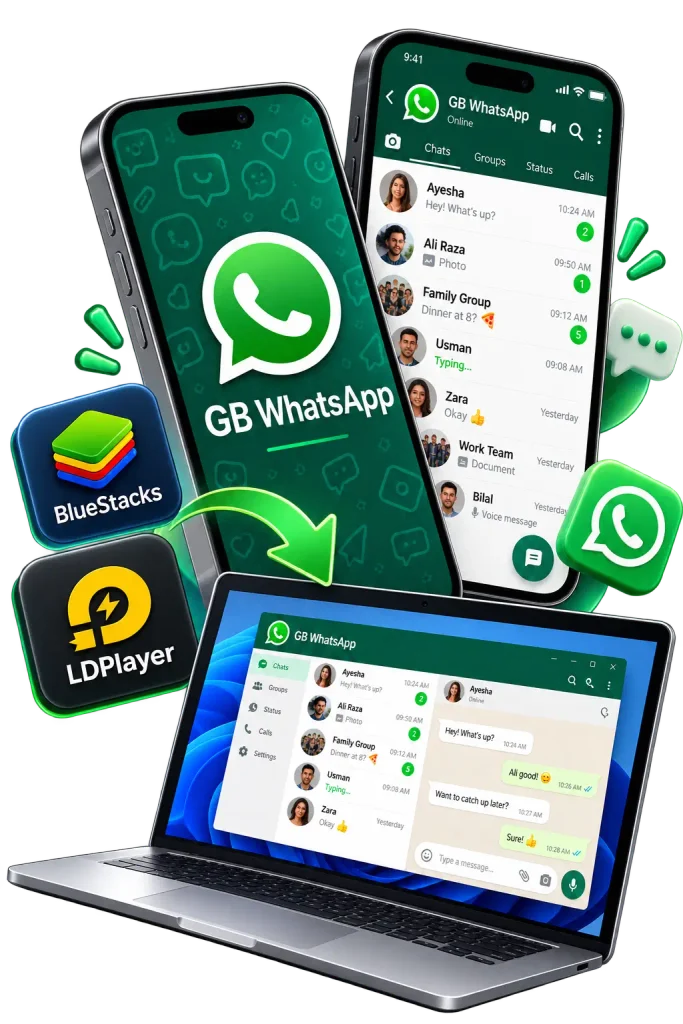
GB WhatsApp is primarily an Android app and there is no regular Windows installation file that works like a normal EXE or MSI program. The most easy way to run gb whatsapp android version on a computer is through an Android emulator such as BlueStacks, LDPlayer, NoxPlayer, or MEmu Play.
Now let’s explore how GB WhatsApp works on PC, what android emulator your computer needs to start with the best type of emulators and how to transfer files with complete backup and restore chats.
What Is GB WhatsApp on PC?
GB WhatsApp for PC is simply running the Android version of GB WhatsApp on a Windows computer with the help of an Android emulator. It is not a separate native Windows application. Instead, an emulator creates an Android environment inside your computer where APK applications can be installed and opened much like they would be on an Android phone.
Once you install gp whatsapp on window, you can use your mouse and keyboard to manage conversations, send media files, open images and perform most of the normal tasks available inside the Android application.
Is GB WhatsApp Available for Windows?
There is no standard GB WhatsApp Windows application that you can install directly as an EXE or MSI file. For Windows 10 and Windows 11, an Android emulator remains the most straightforward option for running the APK.
If you’re confused about GB WhatsApp Web then it is a web or QR-based version that behaves more like a linked browser session, whereas an emulator actually runs an Android app environment on your PC.
PC System Requirements for GB Whatsapp Download
|
Requirement |
Recommended |
|
Operating System |
Windows 10 or Windows 11 |
|
RAM |
8 GB recommended, 4 GB minimum |
|
Storage |
Around 10 GB free space |
|
Processor |
Intel or AMD processor |
|
Virtualization |
Intel VT-x or AMD-V recommended |
|
Internet |
Stable broadband connection |
|
Graphics |
Updated graphics drivers |
A PC with 4 GB RAM may still run an emulator, but performance will become slow if you run several other applications at the same time. For smoother and better performance, 8 GB RAM and an SSD is good for you.
Best Android Emulators for GB WhatsApp on PC
There are several android emulators that can install apk files to your pc.
BlueStacks
BlueStacks is one of the most widely used Android emulators and best for beginners.
In bluestacks pc, you can install an APK file using its built-in installation option or simply drag the APK file into the emulator window. It works well on capable PCs, although it may feel heavier on systems with limited RAM.
LDPlayer
LDPlayer is another useful and lightweight emulator. It provides quick startup, APK installation and customizable performance settings. It is suitable for mid-range PCs.
If BlueStacks feels slow on your computer, then LDPlayer is the best option.
NoxPlayer
NoxPlayer is another emulator with more advanced android customization options.
It also creates multiple Android instances, which may be useful if you want separate environments for different applications.
MEmu Play
MEmu Play is another Windows Android emulator that supports APK installation, multiple instances and performance configuration.
It is suitable for multitasking and for persons who run several applications in the same window.
Which Emulator Should You Choose?
This is a question which confuses many of the window users. For a newer PC with plenty of RAM, BlueStacks is an easy starting point. If your computer has more limited resources, LDPlayer may feel lighter. NoxPlayer and MEmu are useful alternatives if you want additional Android configuration or multiple emulator instances. The best approach is to use the emulator that runs smoothly on your hardware rather than choosing one purely based on popularity.
How to Install GB WhatsApp on PC
After choosing your android emulator, here is the complete process.
Step 1: Install an Android Emulator
Download and install your android emulator, such as:
- BlueStacks
- LDPlayer
- NoxPlayer
- MEmu Play
Complete the emulator installation and open it.
Step 2: Configure the Emulator
Follow the initial emulator setup. It will ask you to sign in with a Google account because it is required to install applications through Google Play, but manual APK installation normally does not require the Play Store. After signing the account, adjust RAM and processor allocation from the emulator settings.
Step 3: Get the GB WhatsApp APK
Then download gb whatsapp apk, save it to your computer, locate it in your Downloads folder.
Step 4: Install the APK
After download the apk follow this process:
- Click the Install APK button inside the emulator.
- Browse to the APK file from your computer.
- Drag and drop the APK directly into the emulator window.
The emulator should begin installing the application automatically.
Step 5: Open GB WhatsApp
After installation, you should see the GB WhatsApp icon on the emulator’s Android home screen.
Open it just as you would open an application on a phone.
Allow the required permissions.
Step 6: Verify Your Mobile Number
- Enter the phone number you want to use.
- You will receive the verification code through SMS.
- Enter the code inside the emulator to complete the account setup.
- After verification, you can finish configuring your profile and chat settings.
Can We Use GB WhatsApp on PC Without an Emulator?
It’s not possible, because Android APK cannot be installed in Windows applications. Windows applications normally use formats such as EXE or MSI, while Android applications use APK packages. Screen mirroring is another option if you simply want to control the version already running on your Android phone. However, in screen mirroring, you do not actually install GB WhatsApp on your computer.
Microsoft previously offered Windows Subsystem for Android for running Android applications on Windows 11, but support for that platform ended in 2025. Therefore, it should not be considered a current replacement for Android emulators.
Difference Between GB WhatsApp on PC, WhatsApp Web & WhatsApp Desktop
If your goal is simply to use regular WhatsApp on your computer then WhatsApp Web or WhatsApp Desktop is a safe choice but if you want gb whatsapp then you have to follow the process of Android Emulator.
|
Feature |
GB WhatsApp via Emulator |
WhatsApp Web |
WhatsApp Desktop |
|
Runs Android APK |
Yes |
No |
No |
|
Requires Emulator |
Yes |
No |
No |
|
Full Android Environment |
Yes |
No |
No |
|
Keyboard Support |
Yes |
Yes |
Yes |
|
Desktop File Access |
Yes |
Yes |
Yes |
|
Native Windows App |
No |
No |
Yes |
|
QR Linking |
Usually not the main setup method |
Yes |
Yes |
How to Transfer Files Between PC and GB WhatsApp
If you are using an emulator then you have an advantage because most modern emulators provide shared folders or direct Windows file access.
You can usually import or drag-and-drop your files:
This makes it easier to send files stored on your computer without first transferring them to a phone.
How to Enable Whatsapp Notifications on PC
If a message arrives but you do not see notifications because you have turned off your notification settings. Check both the Android settings inside the emulator and the emulator’s own notification preferences.
Make sure:
Notification settings vary slightly between BlueStacks, LDPlayer, NoxPlayer and MEmu. Must Try this Gb on Macbook.
Can You Make Calls on GB WhatsApp for PC?
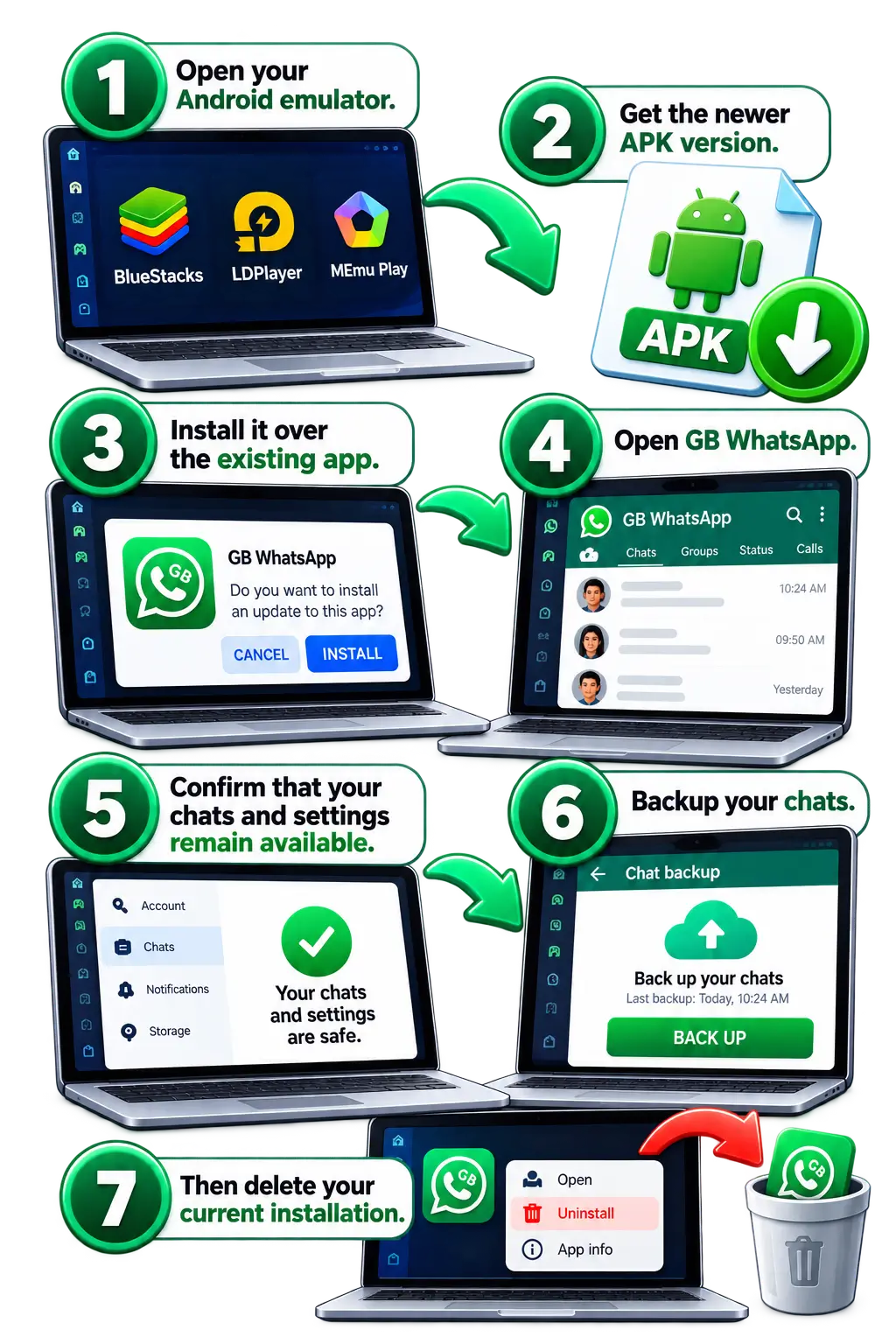
How to Update GB WhatsApp on PC
Updating the PC setup usually means updating the Android APK inside the emulator.
The general process is:
How to Fix GB WhatsApp PC Problems
APK Is Not Installing
If the APK does not install, check that you are using the emulator’s APK installation function. You can also try dragging the APK into the emulator window.
Restarting the emulator sometimes clears temporary installation problems.
Emulator Is Very Slow
Open your emulator settings and allocate additional RAM and processor cores if your computer has enough available resources. You should also close unnecessary background applications.
Enabling Intel VT-x or AMD-V virtualization can significantly improve Android emulator performance.
Virtualization Option Is Disabled
Modern processors usually support hardware virtualization.
If your emulator reports that virtualization is disabled, you may need to enable Intel VT-x or AMD-V from your computer’s BIOS or UEFI settings.
Emulator Shows Low Disk Space
Android emulators need considerably more storage than the APK itself.
Free some Windows storage and make sure the drive containing the emulator has several gigabytes available.
Performance Tips for Smoother Use
Advantages & Limitations of Gb Whatsapp On Pc
|
Advantages of Using GB WhatsApp on PC |
Limitations of Using GB WhatsApp on PC |
|
Larger display for conversations |
The biggest limitation is that an Android emulator consumes more system resources than a normal desktop messaging application. |
|
Faster typing with a physical keyboard |
Performance depends on your processor, RAM, storage and graphics configuration. |
|
Easier document and media sharing |
The emulator must also remain running for the Android application to stay active. |
|
Direct access to PC files |
Occasionally, an emulator update or Android compatibility change can also affect how an APK behaves. |
Conclusion
At last, you can run GB WhatsApp on PC after creating an Android environment inside Windows. Once an emulator such as BlueStacks, LDPlayer, NoxPlayer, or MEmu is installed, then install the apk file inside the emulator.
For everyday users, the benefits of gb whatsapp for windows are the larger screen, physical keyboard, easier file management and improved multitasking. If performance feels slow, adjust virtualization and RAM allocation and also emulator settings.
For pc users who only need a regular WhatsApp on computer, then WhatsApp Web or the official desktop remains a better option. But when the goal is specifically to run the Android GB WhatsApp experience on a Windows PC, an emulator provides the most complete approach.